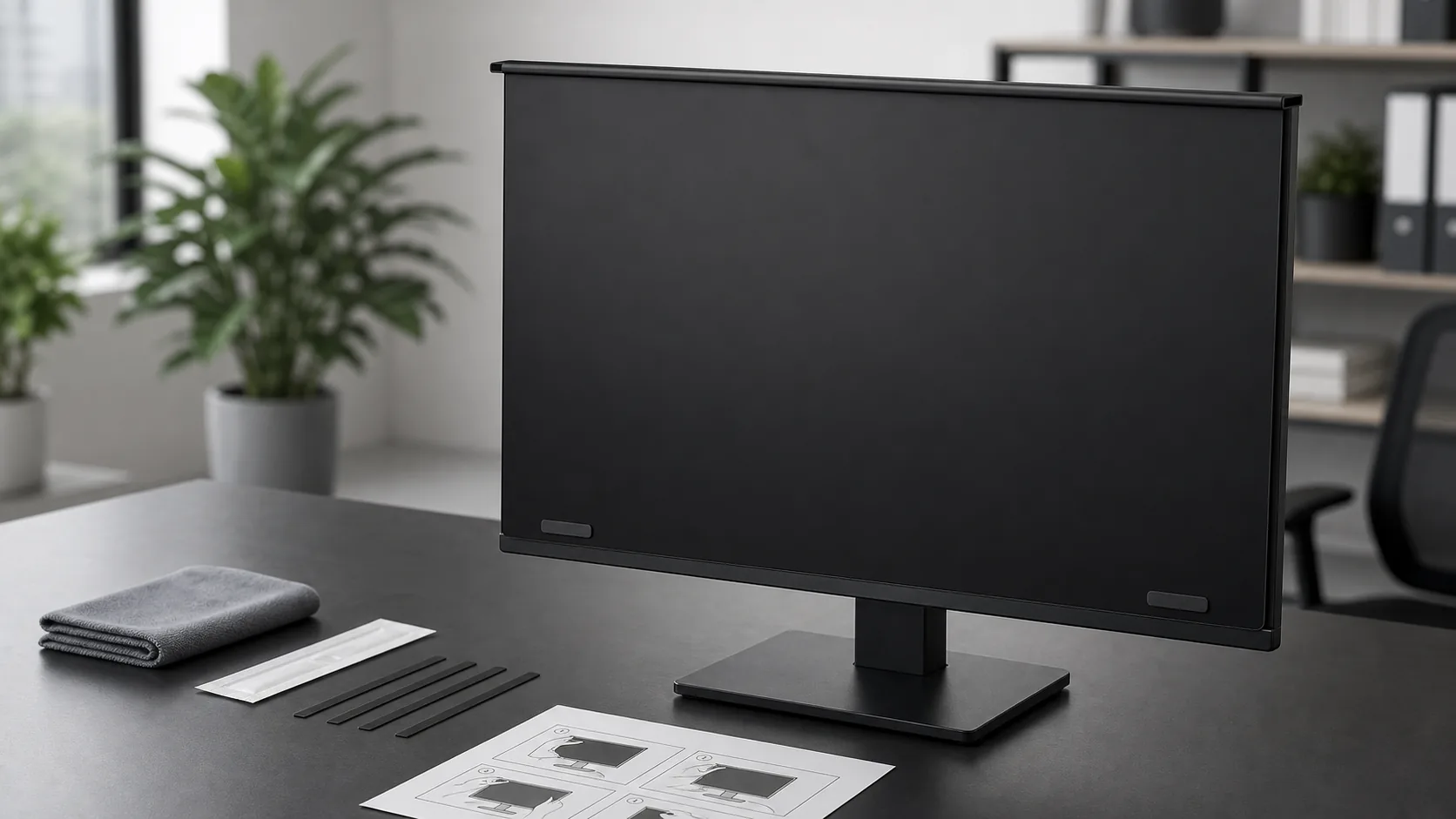
Fit confirmation
Send your monitor size, aspect ratio, and a front photo of the monitor edge before choosing a model.
Customer Support
Need help with fit, installation, missing accessories, or product service? Leave your contact details and order information, and the AEGIVIXE support team will follow up by email.
Service desk
AEGIVIXE support is built around practical customer questions: whether the monitor fits, how to install the screen correctly, and what to do if an accessory is missing or a product issue appears during use.

Send your monitor size, aspect ratio, and a front photo of the monitor edge before choosing a model.
Get help with cleaning, black metal strip placement, hanging position, and magnetic support.
For missing accessories, product condition, or use questions, include order information and clear photos.
Support module
Based on the AEGIVIXE user manual, the privacy screen is intended for compatible flat desktop monitors. Clean the screen first, attach the black metal strips to the lower sides of the monitor, then gently hang the privacy screen and press the magnetic area into place.
Use the cleaning kit and nano-cleaning cloth before installation.
Peel the backing and place the black metal strips on both lower sides.
Gently hang the privacy screen on the monitor and press the magnetic area.
For better viewing, adjust monitor brightness after the screen is installed.